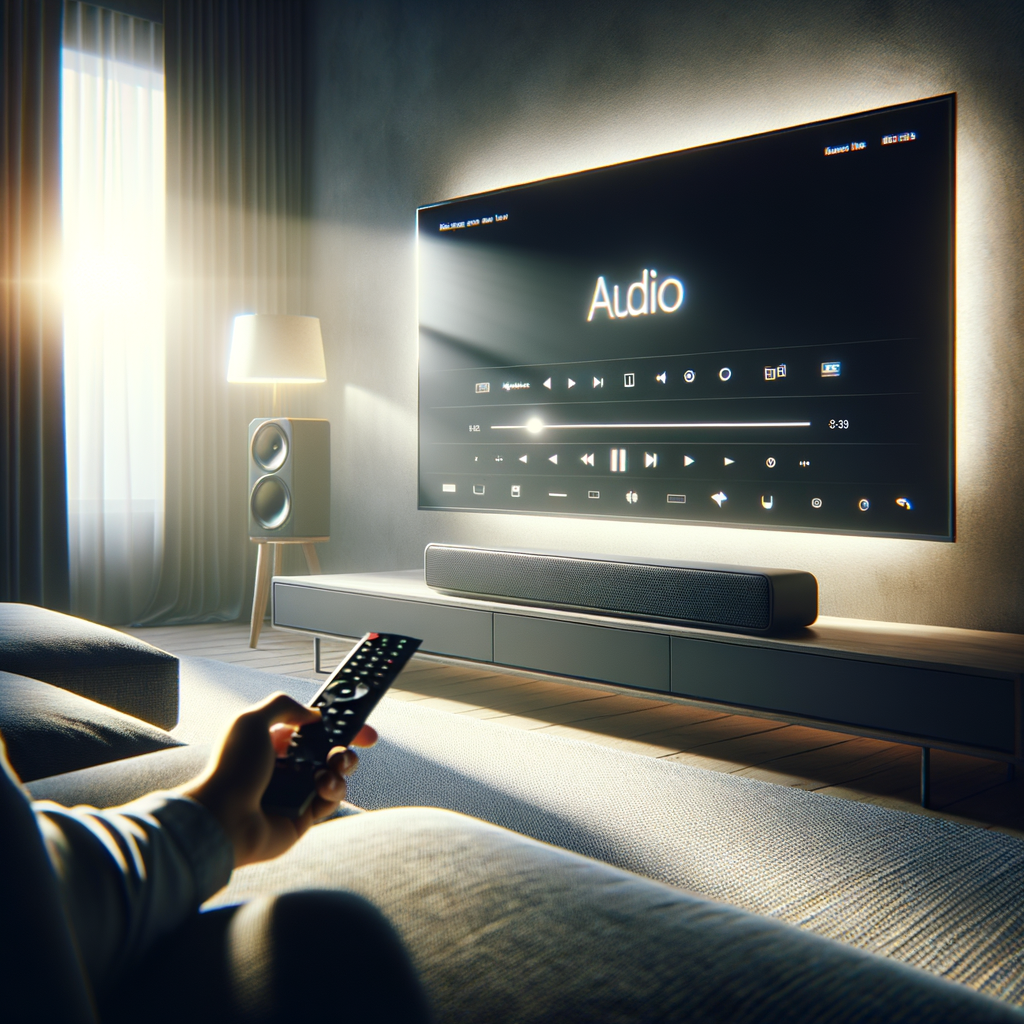
Can't Hear TV Dialogue? 3 Simple Settings That Make a Big Difference
Today in Lifestyle & Wellbeing, we examine a common frustration plaguing households everywhere: unclear TV dialogue. As streaming platforms and filmmakers increasingly favor atmospheric sound design and subtle performances, many viewers find themselves constantly adjusting volume or missing critical lines. Fortunately, there are straightforward solutions that can bring clarity back to your favorite shows and movies.
What Happened
The issue of muffled or inaudible TV dialogue has become more prominent in recent years. Factors include complex sound mixing that prioritizes music and effects over speech, as well as the widespread use of flat-screen TVs with limited built-in speakers. Today, we highlight three practical methods that can make a significant difference for viewers:
1. Adjusting TV Audio Settings
Most modern TVs offer built-in audio presets or sound modes. By navigating to the sound menu and selecting "Speech Enhancement," "Clear Voice," or similar options, users can boost dialogue frequencies. Additionally, disabling "Surround Sound" or "Virtual Sound" modes can prevent effects from overpowering voices.
2. Using External Speakers or Soundbars
Flat TVs often lack the audio power needed for crisp dialogue. Adding a dedicated soundbar or external speakers—many of which feature specialized voice enhancement technologies—can drastically improve clarity. Some soundbars are designed to isolate and amplify the frequency range of human speech.
3. Activating Dynamic Range Compression
Many TVs and streaming devices include a setting called "Dynamic Range Compression" or "Night Mode." This feature reduces the volume difference between loud and quiet sounds, making whispers and soft-spoken dialogue easier to hear without sudden spikes from action scenes.
Why It Matters
Clear TV dialogue is not just a matter of convenience—it’s essential for accessibility, enjoyment, and inclusion. Poor audio clarity can alienate viewers, especially those with hearing challenges or non-native speakers. As content creators continue to experiment with cinematic soundscapes, empowering users to tailor audio to their needs is increasingly important.
Moreover, unclear dialogue can lead to higher volume levels across households, contributing to noise complaints and potential hearing strain. Simple adjustments can improve quality of life, reduce frustration, and ensure that everyone can fully engage with their chosen entertainment.
Key Stats
- According to a 2024 survey by Consumer Technology Association, 61% of viewers have trouble hearing dialogue on their TVs at least once a week.
- Soundbar sales increased by 18% year-over-year, reflecting growing demand for external audio solutions (Statista, Q3 2025).
- Over 70% of major TV brands now include a "Speech Enhancement" or equivalent mode in their 2025 models.
- Streaming services report a 25% increase in subtitle usage among English-speaking users since 2023.
What's Next
Looking ahead, expect TV manufacturers and streaming platforms to place greater emphasis on user-friendly audio controls. Innovations in AI-powered sound processing may further personalize audio experiences, automatically adjusting settings based on content or viewer preferences. In the meantime, viewers can take immediate action with the methods outlined above, ensuring that every word on screen is heard loud and clear.
As awareness of this issue grows, future content production may also prioritize dialogue intelligibility, balancing cinematic ambition with everyday usability. For now, a few simple settings could be all it takes to transform your nightly viewing routine.