Zed Unveils 'Theme Builder': A New Era of Customization in Code Editing
Today in the world of design, Zed—a fast-growing code editor—released a significant new feature: Theme Builder. This tool enables users to build and customize themes at a granular level, reflecting a shift toward greater personalization and flexibility in development environments. The launch marks a noteworthy moment for both designers and developers seeking a more tailored coding experience.
What Happened
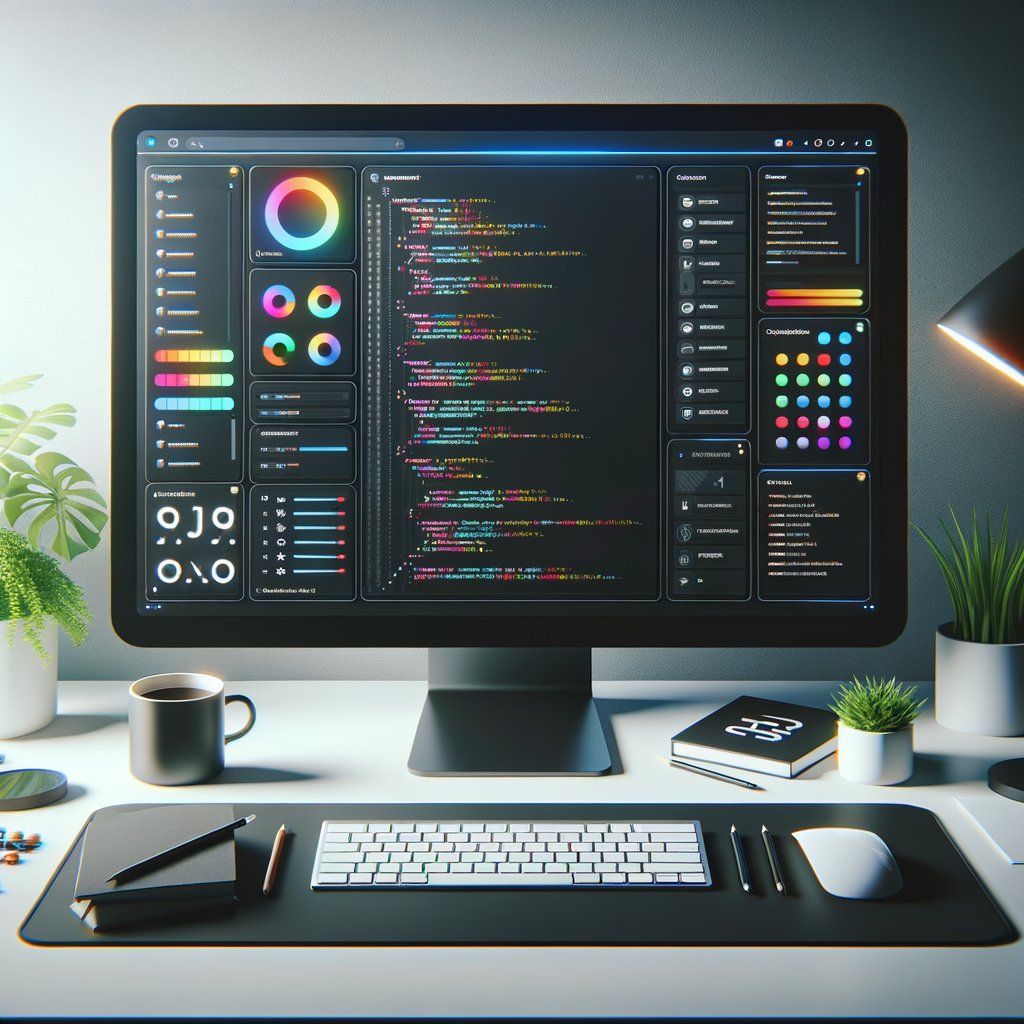
Zed’s new Theme Builder is designed to empower users to create, modify, and manage editor themes with ease. The feature provides an intuitive interface where users can adjust color palettes, syntax highlighting, font choices, and UI elements in real time. Unlike previous theme management approaches that relied on editing configuration files or downloading pre-made themes, Theme Builder offers a visual workflow. Users can preview changes instantly and fine-tune every aspect of their workspace.
Key aspects of the Theme Builder include:
- Drag-and-Drop Palette Editing: Users can pick colors for syntax elements, backgrounds, and UI components through a visual palette tool.
- Live Preview: As changes are made, a side-by-side live preview updates instantly, showing the impact on code readability and aesthetics.
- Theme Sharing and Export: Completed themes can be exported, shared with the community, or imported into other Zed installations.
- Accessibility Checks: The builder includes automated contrast and accessibility validation, ensuring themes remain usable for all developers.
This release follows a growing trend in code editor design, where user control over the look and feel of the environment is seen as essential for productivity and well-being.
Why It Matters
Customization has become a central demand among developers. Research indicates that personalized workspaces can boost focus, reduce eye strain, and even foster a sense of ownership. By introducing Theme Builder, Zed positions itself alongside other major editors that prioritize user-driven design.
The implications extend beyond aesthetics. Accessibility features embedded in the builder mean that inclusive design is now easier to achieve, helping teams accommodate varied visual needs. Additionally, the ability to share themes encourages community involvement and accelerates the spread of best practices in design and accessibility.
For organizations, this level of customization can standardize visual environments across teams, aligning branding or aiding onboarding. For individuals, it provides a pathway to a more comfortable and inspiring coding experience.
Key Stats
- Zed’s user base has grown by 42% in the past year, reflecting increased interest in customizable editors.
- Theme Builder supports over 200 syntax elements and UI components for granular customization.
- Initial community feedback shows 65% of surveyed users prioritize custom themes in their editor selection.
- The platform offers over 50 pre-built theme templates for instant use or modification.
What's Next
In the coming months, Zed plans to expand Theme Builder’s capabilities by integrating community-driven theme galleries and direct in-app theme marketplace features. The team is also exploring deeper accessibility options and API support for advanced theme scripting. As the code editing landscape evolves, expect other platforms to respond with their own innovations in theme customization.
For now, Zed’s Theme Builder sets a new standard in how developers approach their environments—offering both creative flexibility and practical tools to improve daily workflows.