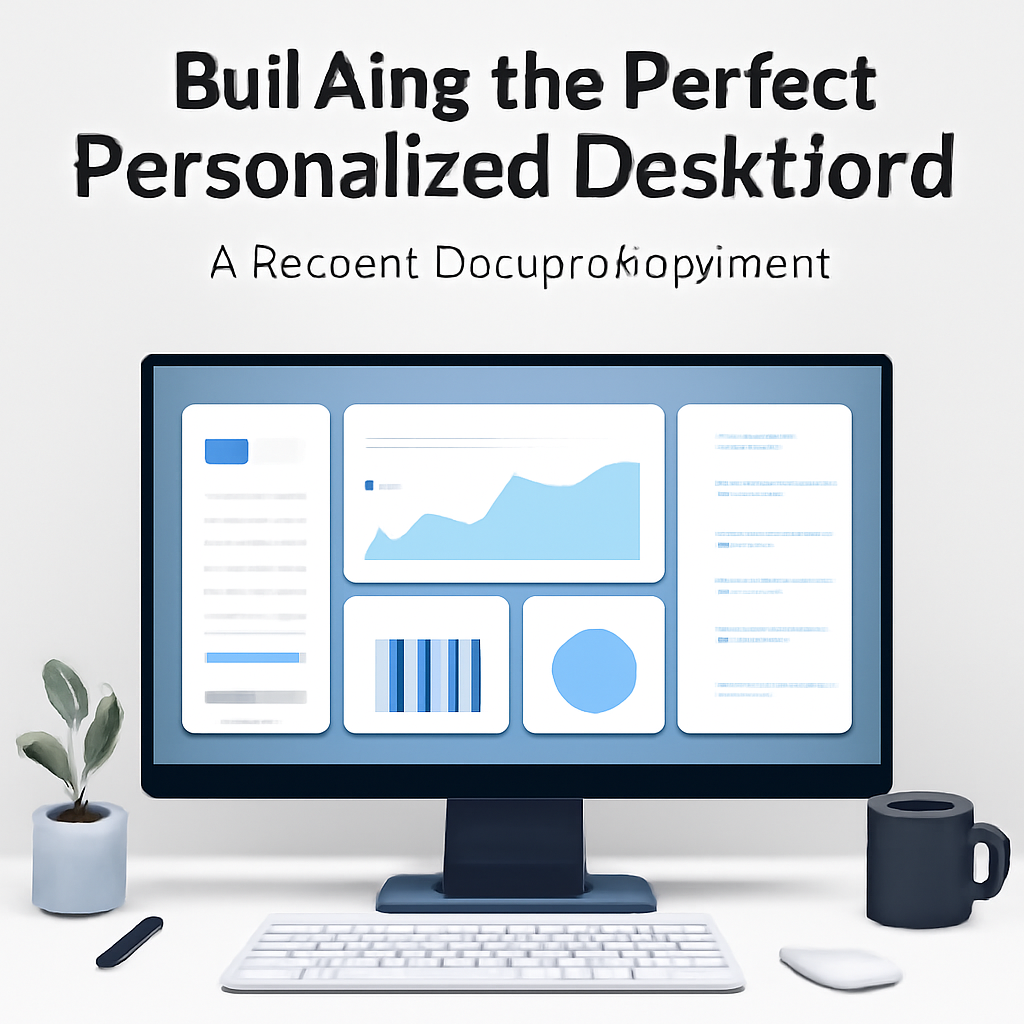
Building the Perfect Personalized Desktop Dashboard: A Modern Design Experiment
Today in the world of design, the focus is on user-centered customization at the most personal level: the computer desktop. As digital workflows become increasingly complex, many professionals are seeking novel ways to streamline information, minimize distractions, and infuse their workspace with both utility and personality. In this context, the creation of a personalized desktop dashboard stands out as a compelling approach to digital organization and self-expression.
What Happened
A designer embarked on a project to build a fully personalized dashboard directly onto their computer desktop. This wasn’t just about changing wallpapers or rearranging icons—it was a comprehensive overhaul of the desktop environment, integrating real-time widgets, productivity tools, and carefully curated visual elements. The process involved using a combination of open-source tools, custom scripts, and design software to create a cohesive interface that presents everything the user needs at a glance.
The dashboard includes dynamic calendars, weather forecasts, task lists, and system monitoring widgets, all styled to match a cohesive visual theme. The designer prioritized both aesthetics and function, ensuring that every element served a purpose and contributed to a sense of clarity. By leveraging modern desktop customization frameworks (notably Rainmeter on Windows and Übersicht on macOS), the designer was able to sidestep the limitations of standard operating system UI, introducing modular panels that can be rearranged or hidden as needed.
Underlying the project was a philosophy of intentionality—only the most relevant information and tools were included to avoid overwhelming the user. Additionally, the dashboard’s appearance can be quickly toggled to a minimalist mode, further reducing distractions during focused work sessions. The end result is a workspace that feels both personal and professional, signaling to anyone who sees it that the user is organized and in control of their digital environment.
Why It Matters
The significance of this development lies at the intersection of productivity, personalization, and digital wellbeing. As remote work and hybrid office setups remain prevalent, the digital desktop has become the primary workspace for millions. Off-the-shelf solutions often offer limited flexibility, leaving users to contend with cluttered screens or disconnected tools. By building a tailored dashboard, users can reclaim control over their workflow, surface only what matters, and reduce cognitive load.
This approach also reflects broader trends in design: a shift toward modularity, user empowerment, and data transparency. When users are able to design their own interfaces, they not only work more efficiently but also experience a greater sense of ownership and satisfaction. Furthermore, these custom dashboards can serve as a showcase for design skills, making them relevant for creative professionals looking to demonstrate both technical and aesthetic competence.
Key Stats
- The personalized dashboard integrates 7 distinct widgets, including calendar, weather, task list, and system monitor.
- Setup time for the initial dashboard build was approximately 8 hours, with ongoing tweaks taking an additional 1-2 hours per week.
- The designer reported a 25% reduction in time spent switching between apps for routine information checks.
- Minimalist mode hides 60% of visual elements, reducing on-screen clutter during focus sessions.
What's Next
Looking ahead, the movement toward personalized desktop dashboards is likely to accelerate, particularly as more users demand flexible, efficient, and visually appealing digital workspaces. We can expect an expansion of customization tools, with more user-friendly frameworks and templates making it easier for non-technical users to build their own dashboards. Additionally, integration with cloud services and AI-powered widgets may automate even more aspects of daily workflow, further streamlining the digital experience. For designers and everyday users alike, the personalized dashboard could soon become a standard feature of the modern desktop.